

How Long Does it Take to Charge a 510 Vape Battery?
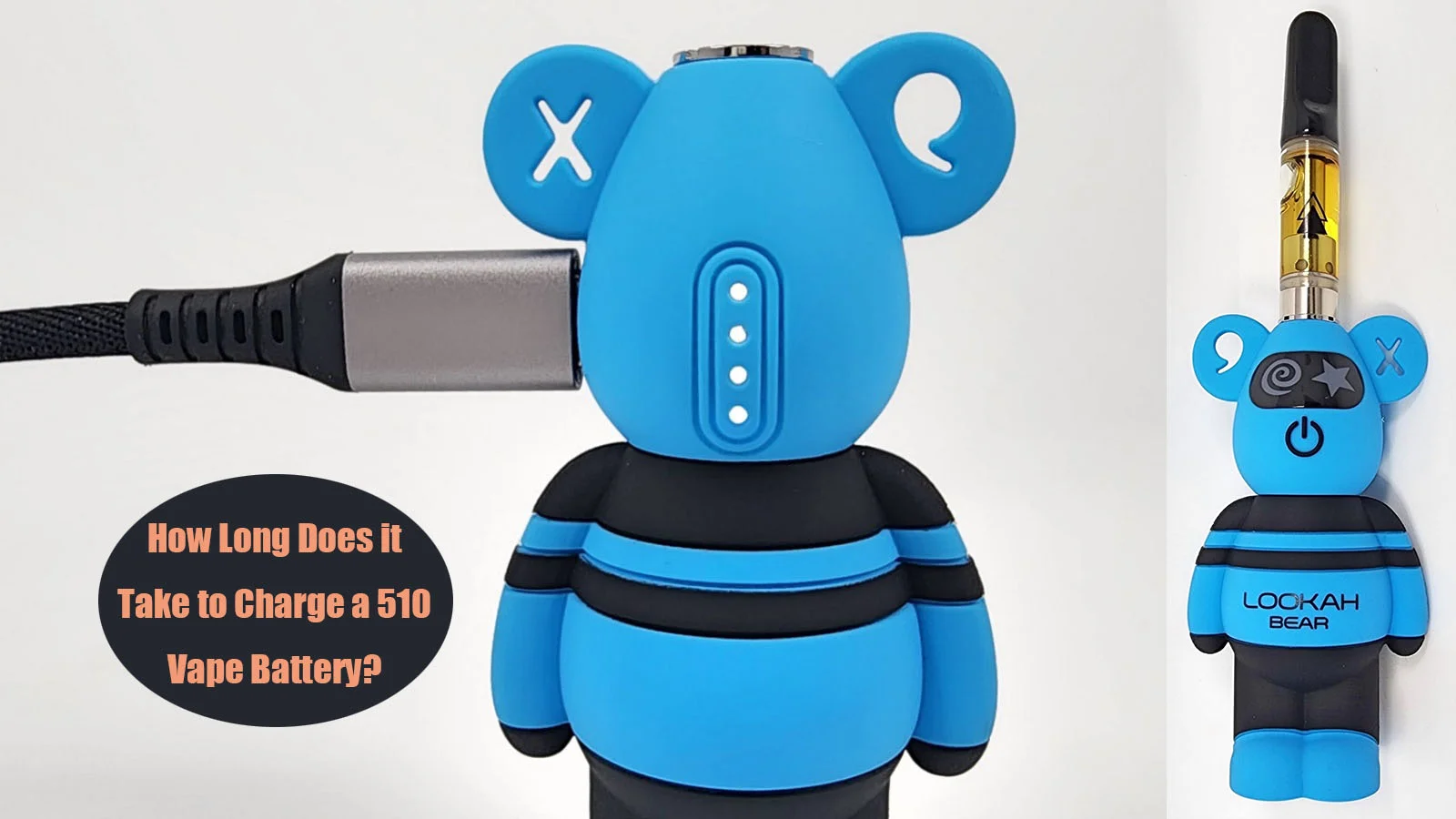
510 thread batteries are the most common or Industry standard power sources for vaporizers and vape carts.
Vape batteries will eventually run low on power after a period of use, but how long does a 510 battery take to charge?
It is crucial to know how long to charge a vape battery because this allows you to optimize your vaping experience, and prevent damage to the battery caused by overcharging.
In this guide, we will explore the charging time and dive into the factors influencing it, enable you to achieve the best vaping experience and maximize the lifespan of your 510 battery.
How to Charge a 510 Battery?
Some older 510 batteries come with a 510 thread USB charger, while the modern 510 batteries have a Micro-USB or USB-C charging port where you can easily charge your battery with a USB cable.
Get an USB Cable and plug in the micro-USB or USB-C end to the vape battery and the other end into a 5V wall charger that is plugged into a wall outlet.
If you don't have a wall charger in hand, you can use a power bank or even computer USB port instead. But this may extend the charging time.
Check the indicator light to confirm it is charging. Disconnect your vape pen battery once it is fully charged and enjoy! Most indicator lights will blink red while it is charging and will turn green when charging is complete.
How Long Does it Take to Charge a 510 Battery?
Most of 510 thread batteries take anywhere from 1 to 2 hours or even more time to fully charge, which can vary based on battery capacity(mAh), and charger speed.
The higher the battery capacity of your battery, the longer it take to charge.
For instance, If you have a 510 battery with 500mAh capacity on a 0.5 Amp (500mA) charge current. It’ll fully charge in about 60 minutes. If you have a bigger 1000 mAh battery at the same input rate, it will needs two hours to fully charge.
Moreover, The charger you use has a direct impact on charge speed. Using an underpowered charger will slow down charge time, and using a compatible charger with higher outputs speed up the charging process. 5V 0.5A is slower than 5V 1A, which is slower than 5V 2A.
USB-C chargers generally support higher wattage than older micro-USB connections and older 510 thread USB charger, which translates to faster charging.
Some advanced 510 batteries support Rapid charging (sometimes called fast charging), which uses higher current to fill the 510 battery faster.
But not all 510 batteries support rapid charging — it's a feature worth looking for if you battery has this feature. If your 510 battery doesn't support this function, don’t use a high-speed charger like tablets and mobile phones to charge it as this may cause a vape battery to overheat.
It's always best to consult the user manual for your specific 510 vape cart battery, as it will have the most accurate information on charging times.
How to know If a 510 Battery is Fully Charged?
If you are wondering how to know when your 510 battery is fully charged, they will usually have LED indicator lights that will change color or turn off when it is done charging, the most common type is chane from flash red to solid green.
It is also helpful to have a device with a LED digital screen to show the battery level, so that you always know how much time remains until a full charge.
Tips for Charging Your 510 Battery Safely
A few habits that extend the life of your 510 battery and keep it charging reliably:
1. Use the Right Charger
Always use the charger that comes with your 510 battery. If not have, get a compatible charger with correct input level (Usually Not exceeding 5V) and current.
Using mismatched charging equipment, especially fast charger, can cause the battery to heat up or, even worse, damage your 510 battery.
2. Avoid Heat while Charging
Avoid charging the 510 battery in extreme heat environment, such as a car in direct sunlight.
When a car is parked in the sun, its internal temperature can quickly rise to levels that are unsafe for a lithium-ion battery, causing a fire or explosion hazard.
3. Charge at a Fire-Eesistant Surface
When charging, place your 510 battery on a clean, flat surface that does not easily catch fire, such as a desk or countertop.
Avoid charging on beds, couches, or under pillows where heat can build up.
Lithium-ion batteries release heat while charging, and ensuring they are on a safe surface reduces the risk of overheating.
4. Don’t Overcharge
Once your 510 vape battery is fully charged, unplug it. Leaving the battery charging too long wears down vape pen batteries and shortens their lifespan.
Most devices feature a light or led screen to indicate that the battery is charging or full. Paying attention to this is the simplest way to charge safely without overdoing it.
5. Charge Responsibly
Never leave your 510 vape battery to charge overnight or unattended.
Because these are lithium-ion batteries, heat buildup is possible, so it’s best to stay mindful during use.
6. Not Hit while charging
It is not recommended to hit a vape pen while it is charging. This can cause the 510 battery to overheat and fail, which can pose a safety risk.
7. Keep the Charging Port Clean
If the charging port is contaminated with dust and residual oil, it's possible that the USB cable isn't making a good connection.
Keep the the charging port free of debris, You can remove residual oil and dust from the port using a toothpick.
8. Change the Cable
If your 510 battery seems to charge slower than it used to or even not charging, work through simple checks before assuming the battery has failed.
Most slowdowns come from cables as they wear out overtime. Internal strands break, plugs loosen, and resistance rises. Swap in a different USB cable to charge your battery.
In Conclusion
By understanding how long does it take to charge your 510 battery, you can enjoy a seamless vaping experience.
Always use the original or compatible charger to get the fastest charging speed. Plus, Invest a 510 battery that supports fast charging to save charging time.
It is also important to know that overcharging a vape pen’s battery can shorten its lifespan. Therefore, it is best to remove the battery from the charger as soon as it is fully charged.